
CICS BMS MAPPING TOOL
BMS / TS
Produce, edit, and maintain BMS maps that enhance your help screens
Enhance CICS BMS map creation
Basic Mapping Support (BMS) controls input and output display data format and routes on screen. Adaptigent BMS/TS is a powerful screen generator for CICS and Transaction Servers. It produces, edits, and maintains 3270 green screens (BMS maps) for mainframe-based applications.
BMS/TS provides a big-picture analysis and view of system’ screens, and then maps the flow between databases and applications.
Benefits
Adaptigent BMS/TS users benefit from:
- Enhanced screen development and maintenance capabilities, including HTML and
XML output directly from their BMS map - Online help and tutorials for end-user support
- ADS specifications for HTML or XML to BMS maps, so they can be used with the 3270 Bridge
- A visual painting-style interface that simplifies creating and editing maps
- Easier mapping between applications, databases, and browsers
- Double-byte character support for international use
- Ability to generate CICS-controlled and user-controlled templates
- Testing capabilities for real-time feedback
- Customized rules engine capabilities
- Import facilities for non-BMS/TS produced maps (i.e. SDF, SDF2, MAPGEN)
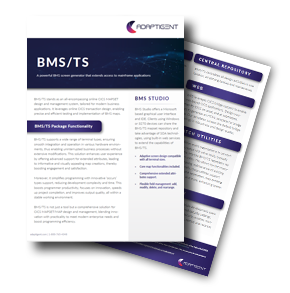
Learn More about the BMS Studio
BMS/TS is an online CICS MAPSET/MAP design and management system that uses online CICS transaction design to test and implement BMS maps. It includes functions and facilities that customers will find useful as they increase efficiency and productivity.
Let's Connect
If you're interested in expanding your capabilities around core systems, data integrations, and legacy technology, we should talk.